 KRITA
KRITA
Brush Engine & Tool Inspection
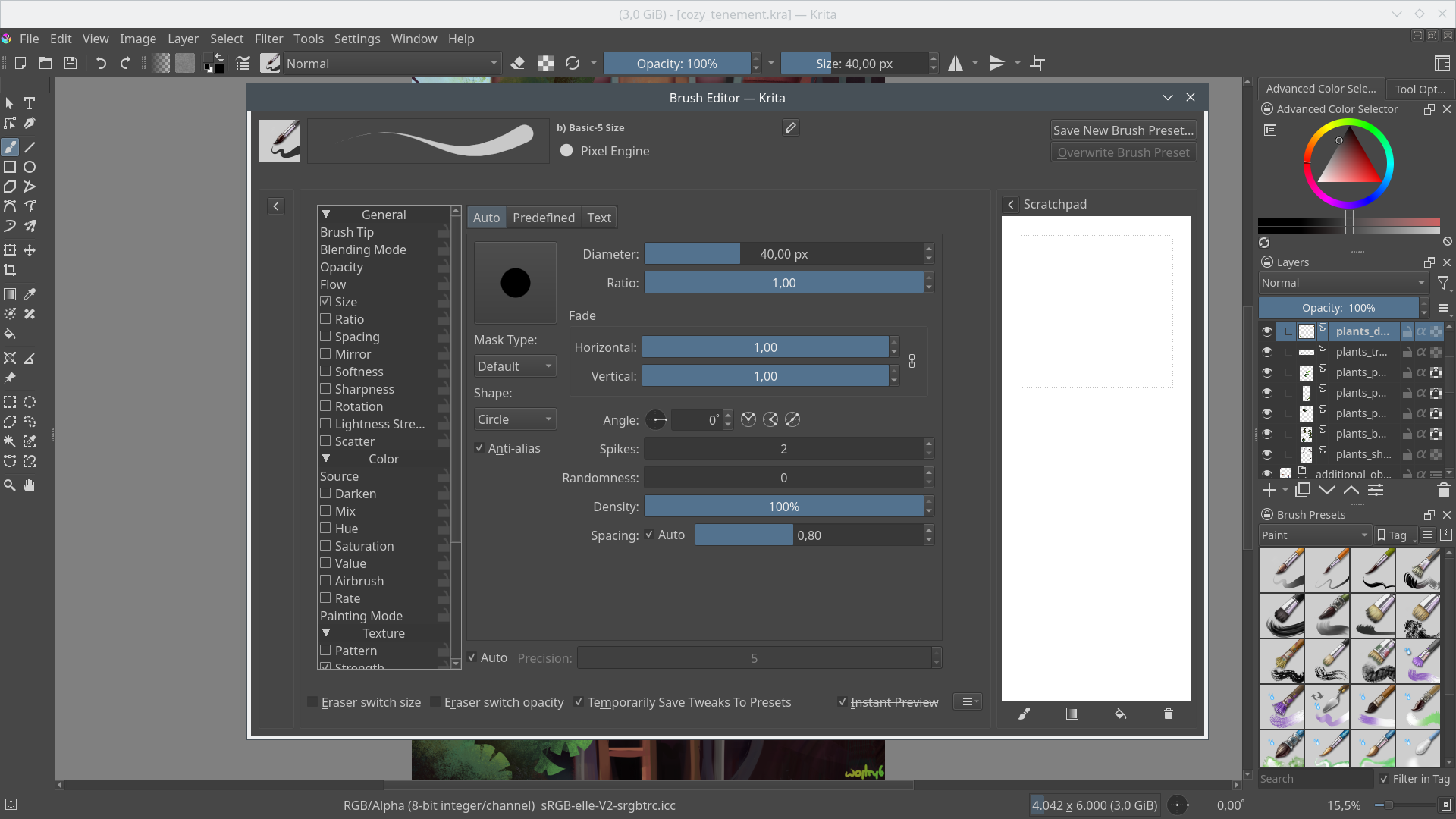
Krita's brush engine system gives artists granular control over every stroke. Inspect and customize brush tip shapes, opacity curves, flow dynamics, texture maps, and scatter patterns in the dedicated brush editor.
- Multiple brush engines: pixel, hairy, experimental, and deform brushes
- Brush stabilizer for smooth, confident lines on any input device
- Pop-up palette for quick color and brush switching without menu diving
- Gradient map mode, lightness modes, and dynamic color brush tips
- Animated brush tips selecting along multiple dimensions
- Watercolor brush presets with realistic pigment behavior
Canvas & Layer Management
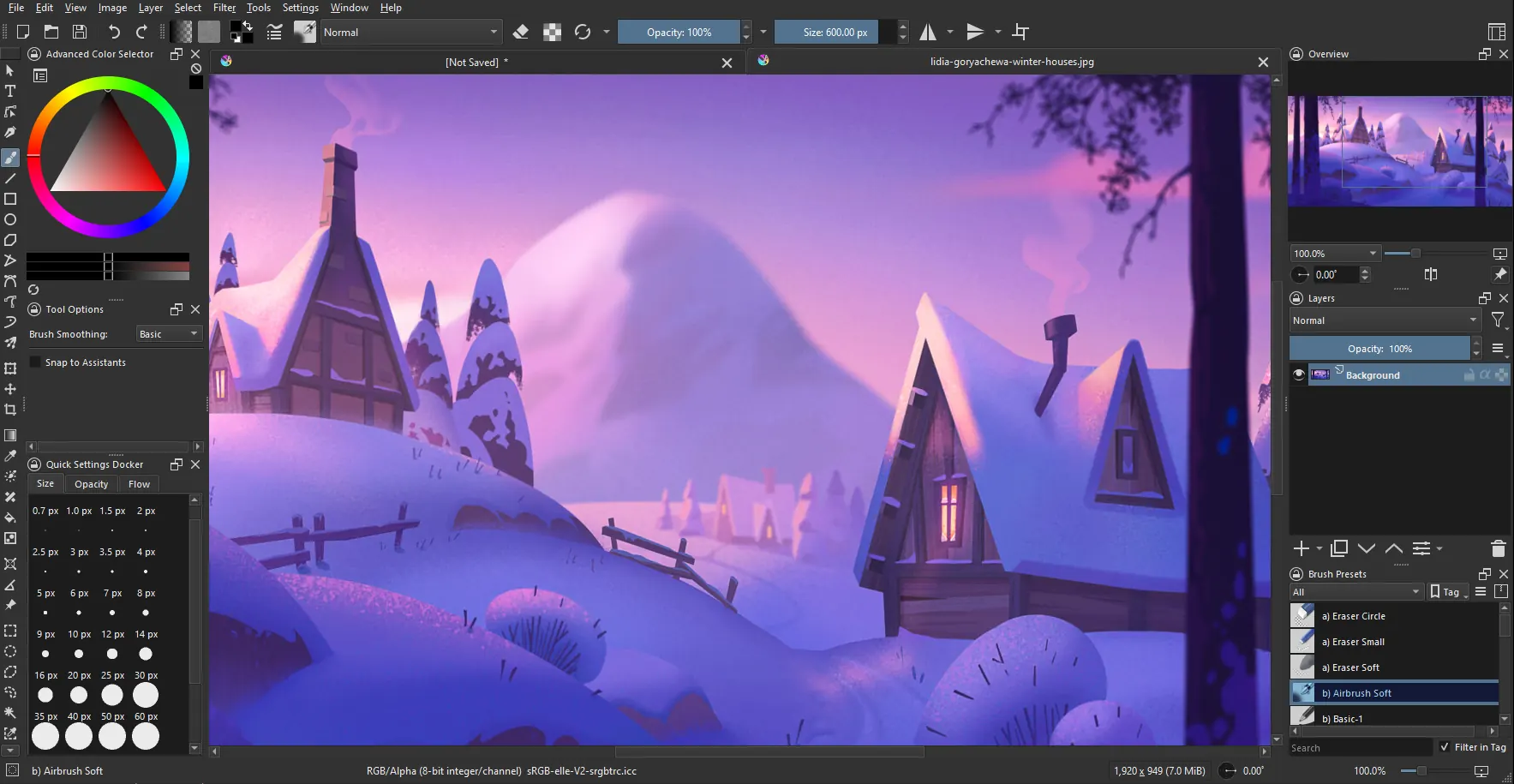
Monitor and manage your entire composition through Krita's powerful layer system. Layer groups, masks, clipping groups, and non-destructive filter layers give you production-level control over complex artworks.
- Layer masks, transparency masks, and filter masks
- Full blending mode suite matching industry standards
- SeExpr-based scriptable fill layers for procedural textures
- Snapshot docker storing image states for easy comparison
- Canvas window separation for multi-monitor workflows
- Magnetic selection tool and improved selection action panel
Advanced Color Management
Professional color fidelity is essential for print and production work. Krita supports RGB and CMYK colorspaces at 8 and 16 bit integer channels, plus 16 and 32 bit floating point channels for HDR and high-precision workflows.
- ICC profile support for accurate color reproduction
- Updated color selector with advanced picking modes
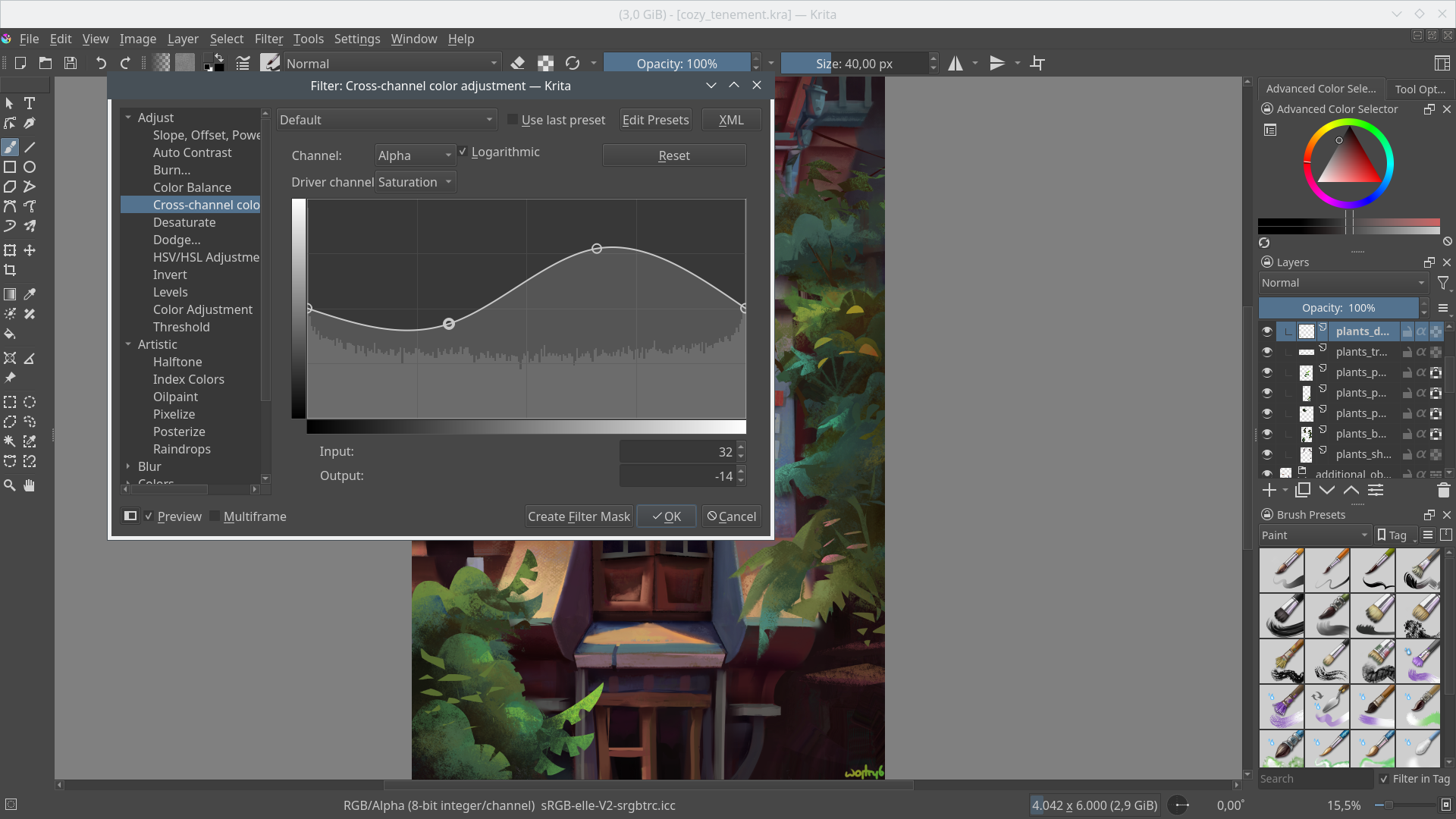
- Gradient map filter with color mode options
- Palletize filter and high pass filter for post-processing
- Dynamic color use in gradients for expressive painting
- Spiral gradient painting for unique fill effects
Performance & Workflow Insights
Krita is designed for productive creative sessions. Animation tools, multi-brush symmetry, drawing assistants, and customizable shortcuts streamline workflows so artists spend time creating, not navigating menus.
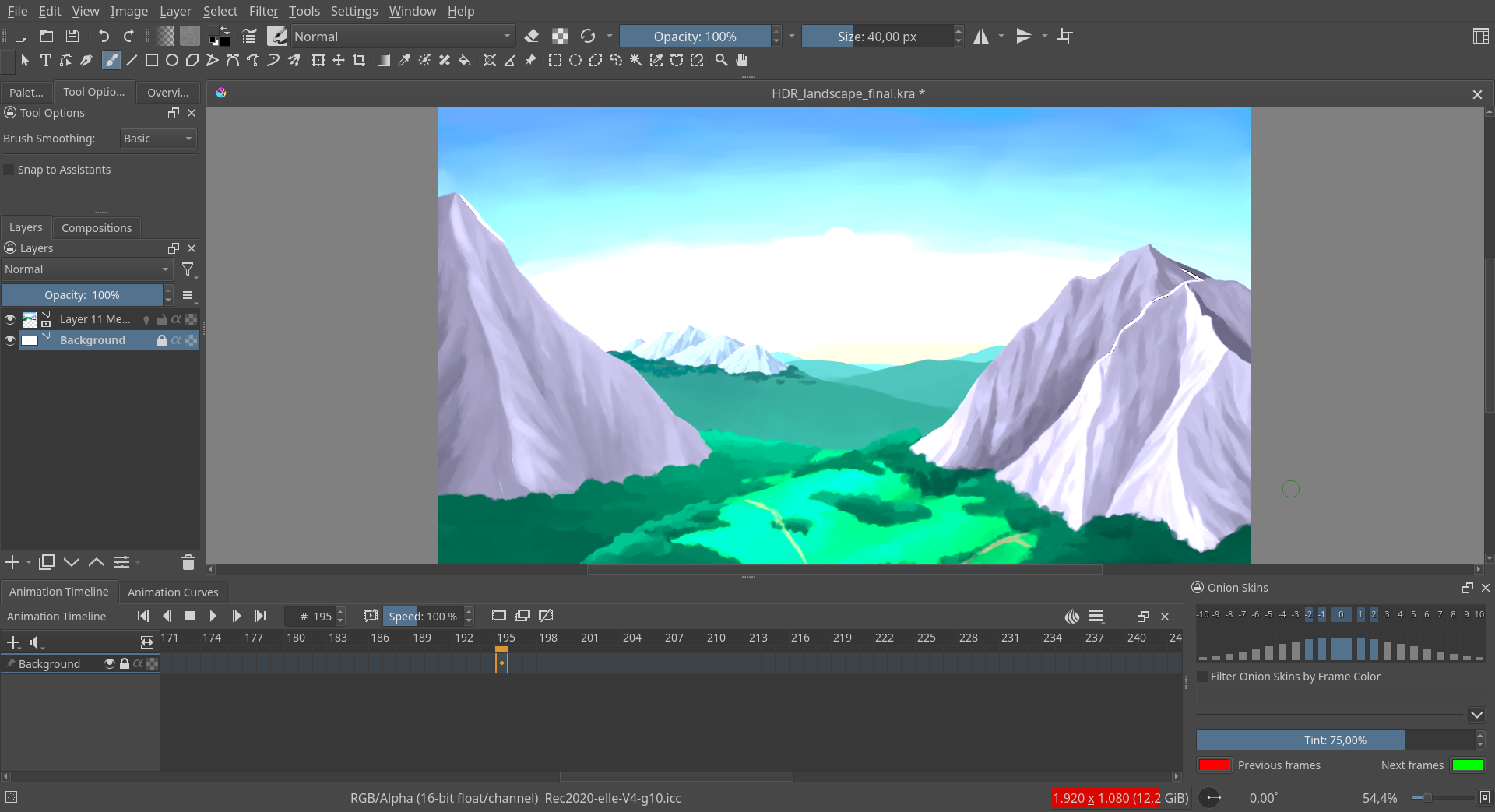
- Frame-by-frame animation with onion skinning and timeline docker
- WebM export for sharing animations online
- Multi-brush tool for symmetrical shape drawing
- Drawing assistants: perspective, ellipse, spline, and parallel rulers
- On-canvas text tool with gap-closing and knife tool
- Customizable interface layouts saved per workflow

Comic & Illustration Production Tools
Comic artists benefit from dedicated tools built into Krita. Panel templates, halftone filters, vector text, and page management features support end-to-end comic creation without switching applications.
- Comic panel templates and page templates from community resources
- Halftone filters for print-ready comic effects
- Vector text tool with on-canvas editing in Krita 5.3+
- Selection toolbar with improved gap-closing features
- Wrap-around mode for seamless texture creation
Plugin & Extension Support
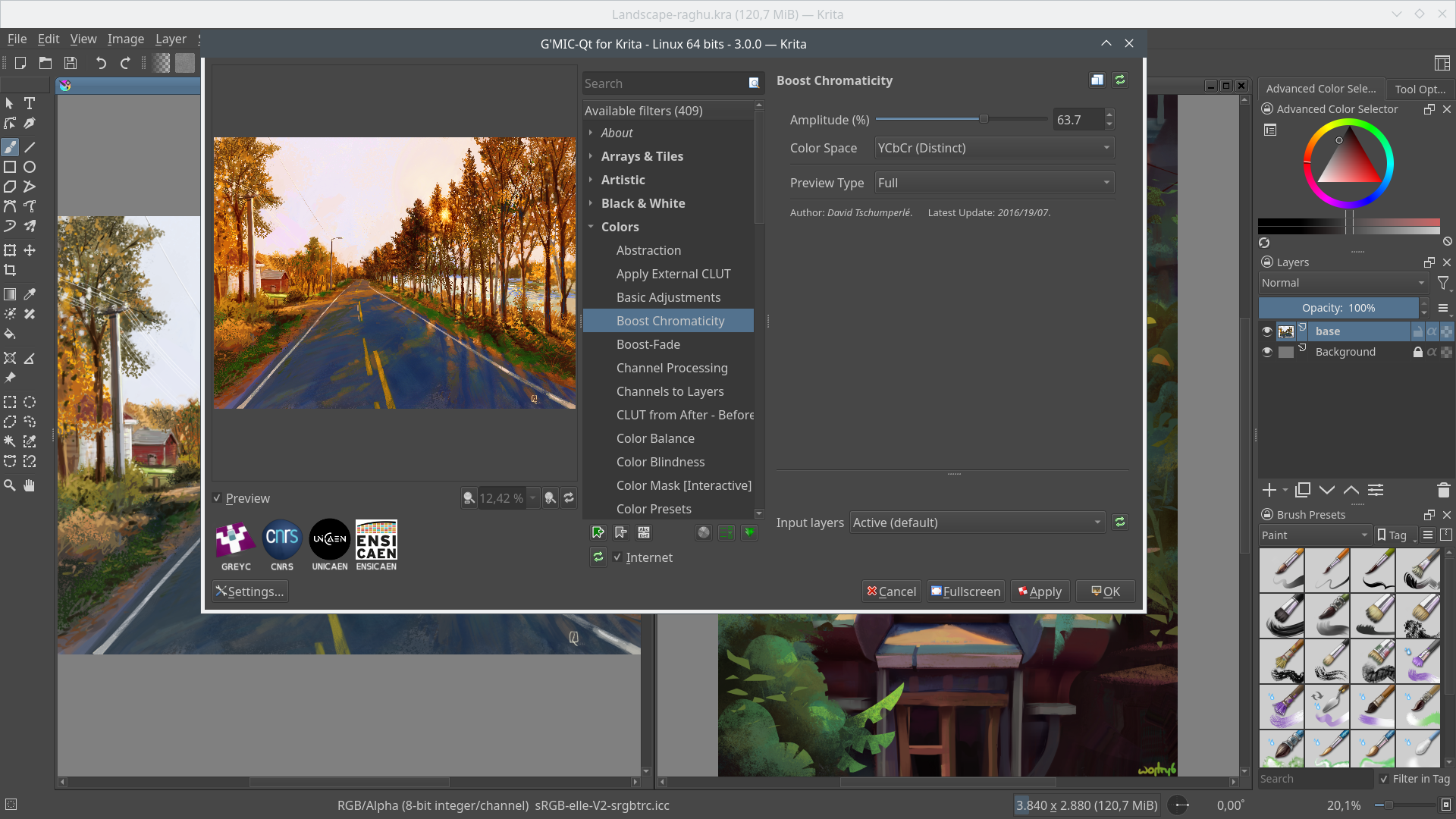
Extend Krita's capabilities with a rich plugin ecosystem. Python scripting, G'MIC filters, and community-created resource packs add functionality without modifying core source code.
- Extended Python scripting API for automation and custom tools
- G'MIC integration with hundreds of additional filters
- Import community brush packs, patterns, and vector libraries
- Texture packs and page templates from the resource community
- Plugin manager for easy installation and updates
Ready to Experience Every Feature?
Download the latest Krita release and start exploring the full digital art studio.
Download Krita Free